In today's digital era, remote live productions have become increasingly common, and increasingly necessary. With the right tools and a stable internet connection, you can broadcast in high quality from anywhere. Here's how to make your life easier when running remote and pre-installed on-site live productions.
1. Streaming Platforms
- OBS Studio: Free, open-source software for streaming and recording. Supports multiple sources and custom transitions.
- Streamyard: A browser-based platform that simplifies live production with multiple remote presenters.
2. Essential Equipment
- Short-range IP cameras: Ideal for indoor spaces and broadcasts in small areas. They deliver high image quality and easy setup.
- Long-range IP cameras: Perfect for outdoor events or large venues. They provide optical zoom and image stabilization for sharp shots at a distance.
- High-definition webcams: A budget-friendly, versatile option for broadcasting from desktops or laptops.
3. Internet Connection
A stable, secure connection is crucial to avoid dropping off the air mid-broadcast. Consider:
- Using a wired Ethernet connection instead of Wi-Fi whenever possible.
- Having a backup plan, like a 4G/5G mobile hotspot.
- Using a VPN for extra security if you're operating on public networks.
4. Remote Control Software
- TeamViewer: Ideal for remote access to the computers located at the production site.
- AnyDesk: A lightweight, fast alternative for controlling equipment remotely.
With these tools and tips, you can simplify your remote and pre-installed live productions and keep every broadcast smooth and professional. Remember: the key is preparation and having the right resources at your fingertips.
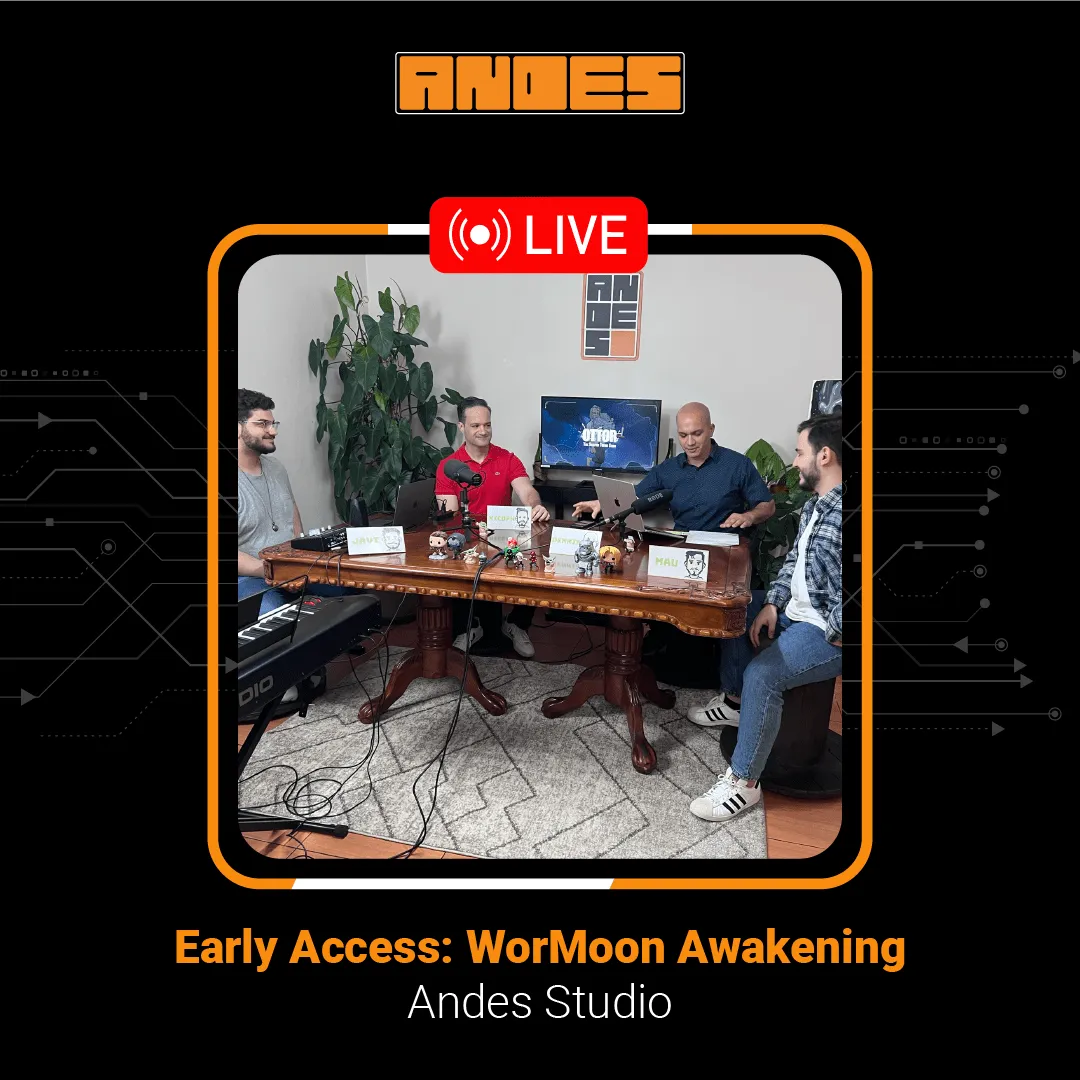
Success story: a parish in Austin, Texas
At Andes Development, we put this know-how into practice during the pandemic, when we supported a Catholic parish in Austin, Texas, with the installation of specialized equipment for remote live productions.
What began as an urgent need in times of social distancing has grown into an ongoing collaboration spanning the last four years. We're deeply grateful for the opportunity to support the parish and its clergy in their mission to keep their community connected through technology.
This experience has let us apply our technical production and broadcasting skills and strengthen our ties with our local community in Austin.